How it checks
docker ps --all every 15 seconds while something runs, every minute otherwise.
About
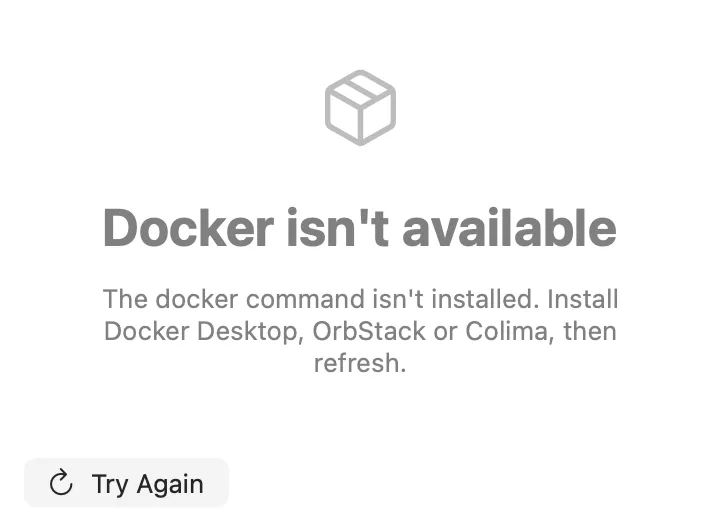
Your containers in the menu bar. The number is how many are running; the panel lists them grouped by Compose project, with Start, Stop, Restart, Logs, Open (for a published port), Copy ID and Remove.
Inside
docker ps --all every 15 seconds while something runs, every minute otherwise.
show stopped containers, group by Compose project, and Remove Stopped Containers (docker container prune; images and volumes are left alone).
Docker Containers, Docker Logs (the last 200 lines of one container), Remove Stopped Docker Containers.
containers lists every container with its image and state.
Install
Don't have Stackbar yet? Download it free.
stackbarctl install --index https://navbytes.github.io/stackbar-plugins/index.json io.navbytes.stackbar.plugins.docker