Menu bar
Live text, symbols, progress and colour, updated as often as you like.
Stackbar 0.14.0 · Free and open source
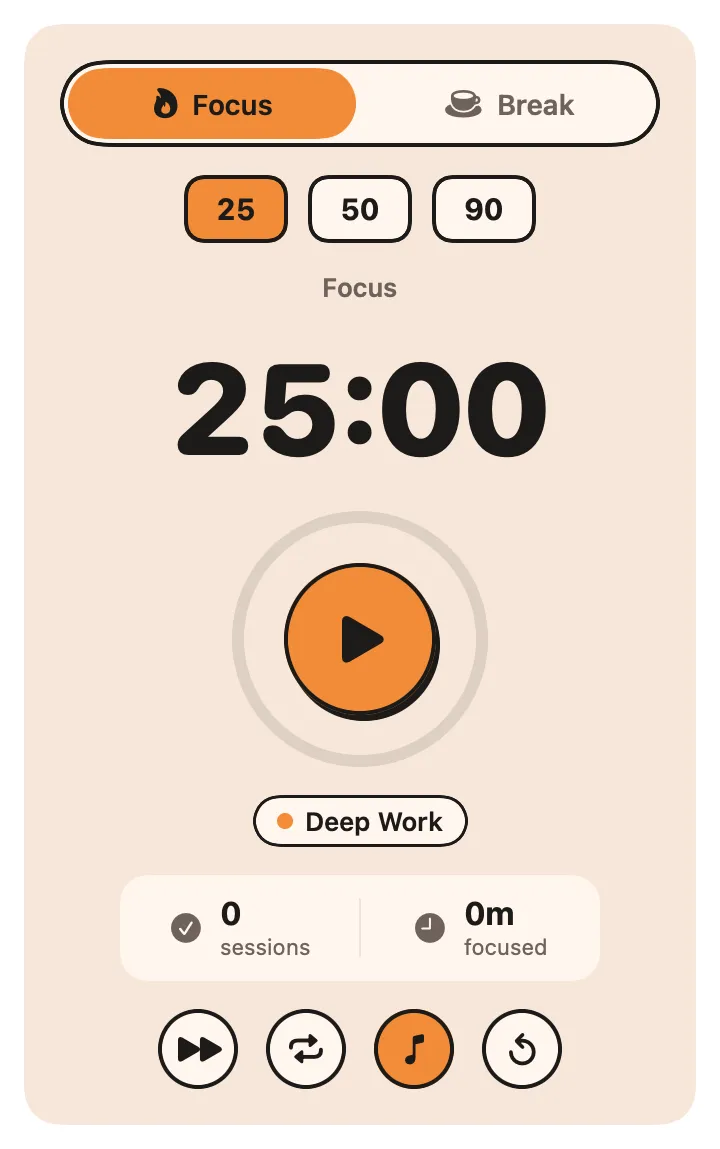
Stackbar runs live little apps in your menu bar, panels, widgets and command palette. Each one is a single Swift file, so you can write one in minutes, or ask your AI to.
macOS 26 or later · Free · MIT license
One file is an app
Declare what it shows in a SwiftUI-like syntax. Stackbar builds it, runs it in its own process and draws it natively. State marked @Stored survives restarts. No Xcode project, no bundle, no signing.
stackbarctl render, so you can test it in CIimport StackbarKit
import Foundation
@main
final class Clock: StackbarPlugin {
static let manifest = Manifest(
id: "io.navbytes.stackbar.example.clock",
name: "Clock",
surfaces: [.menuBar, .panel],
triggers: [.launch, .every(.seconds(1))]
)
var now = Date()
@Stored("use24Hour") var use24Hour = true
@Stored("laps") var laps: [Date] = []
func refresh() async throws {
now = Date()
}
var menuBar: ViewContent {
Label(time(now), symbol: "clock")
}
var panel: ViewContent {
VStack(spacing: 8) {
Text(time(now)).style(.title)
Text(now.formatted(date: .complete, time: .omitted)).role(.secondary)
ProgressBar("Day", value: dayProgress)
Toggle("24-hour clock", isOn: use24Hour) { self.use24Hour = $0 }
Divider()
Button("Lap", symbol: "flag") { self.laps.insert(Date(), at: 0) }
if !laps.isEmpty {
List {
ForEach(laps.prefix(5).enumerated()) { index, lap in
Row("Lap \(laps.count - index)", subtitle: time(lap), symbol: "flag.checkered", key: "lap-\(lap.timeIntervalSince1970)")
}
}
Button("Clear laps", role: .critical) { self.laps.removeAll() }
}
}
}
private var dayProgress: Double {
let start = Calendar.current.startOfDay(for: now)
return now.timeIntervalSince(start) / 86_400
}
private func time(_ date: Date) -> String {
let formatter = DateFormatter()
formatter.dateFormat = use24Hour ? "HH:mm:ss" : "h:mm:ss a"
return formatter.string(from: date)
}
}Everywhere on your Mac
Write the view once. Stackbar puts it where it belongs.
Live text, symbols, progress and colour, updated as often as you like.
Lists, charts, forms, gauges and tabs drawn natively, one click from the bar.
The same view as a widget on your desktop.
Plugin commands with search, arguments and results, from one hotkey.
Every plugin tool is an MCP tool, so Claude and friends can use your apps.
# scaffold, build and look at a plugin without the app
$ stackbarctl new Weather.swift --name "Weather"
$ stackbarctl build Weather.swift
$ stackbarctl render Weather.swift --surface panel
$ stackbarctl render Weather.swift --event refresh

# the same loop as tools for your coding agent
$ stackbarctl mcp
Built for you and your AI
Stackbar comes with an llms.txt, an authoring MCP server and a headless renderer. An agent writes the file, builds it, reads the render and fixes what it sees, without you opening the app.
Safe by default
Every plugin runs in its own process in the App Sandbox. One crash never takes down the rest.
Network hosts, files, secrets: a plugin declares what it needs, and you approve it in plain English.
Store plugins are reviewed, built in CI and signed. Stackbar checks every signature before it installs.
A withdrawn version is removed from every Mac that installed it, automatically.
The store