Settings
how many items to keep, the order, pasting directly or only copying, keeping images, plain text by default, apps and text patterns to ignore, and pausing the history.
About
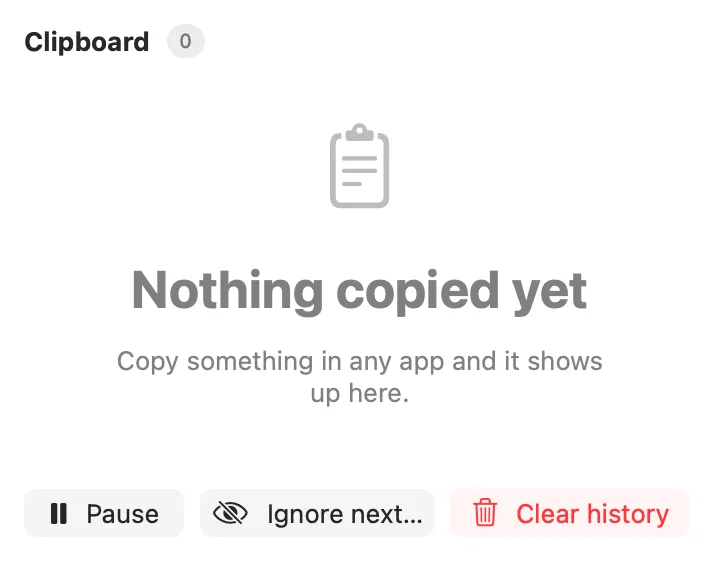
Everything you copy, searchable, pinnable and one keystroke from being pasted back. ⌘⇧V opens it from anywhere: type to filter, ↑↓ and Return (or ⌘1 to ⌘9) to paste into the app you were in, ⌥Return to paste as plain text, ⌘P to pin and ⌥⌫ to delete. Formatted text keeps its formatting, and images are kept by the host and pasted back.
Inside
how many items to keep, the order, pasting directly or only copying, keeping images, plain text by default, apps and text patterns to ignore, and pausing the history.
Search Clipboard History, Paste Last Copy as Plain Text, Pause Clipboard History, Ignore Next Copy.
recent_clips, search_clips and copy_clip.
Install
Don't have Stackbar yet? Download it free.
stackbarctl install --index https://navbytes.github.io/stackbar-plugins/index.json io.navbytes.stackbar.clipboard